# Регистрация
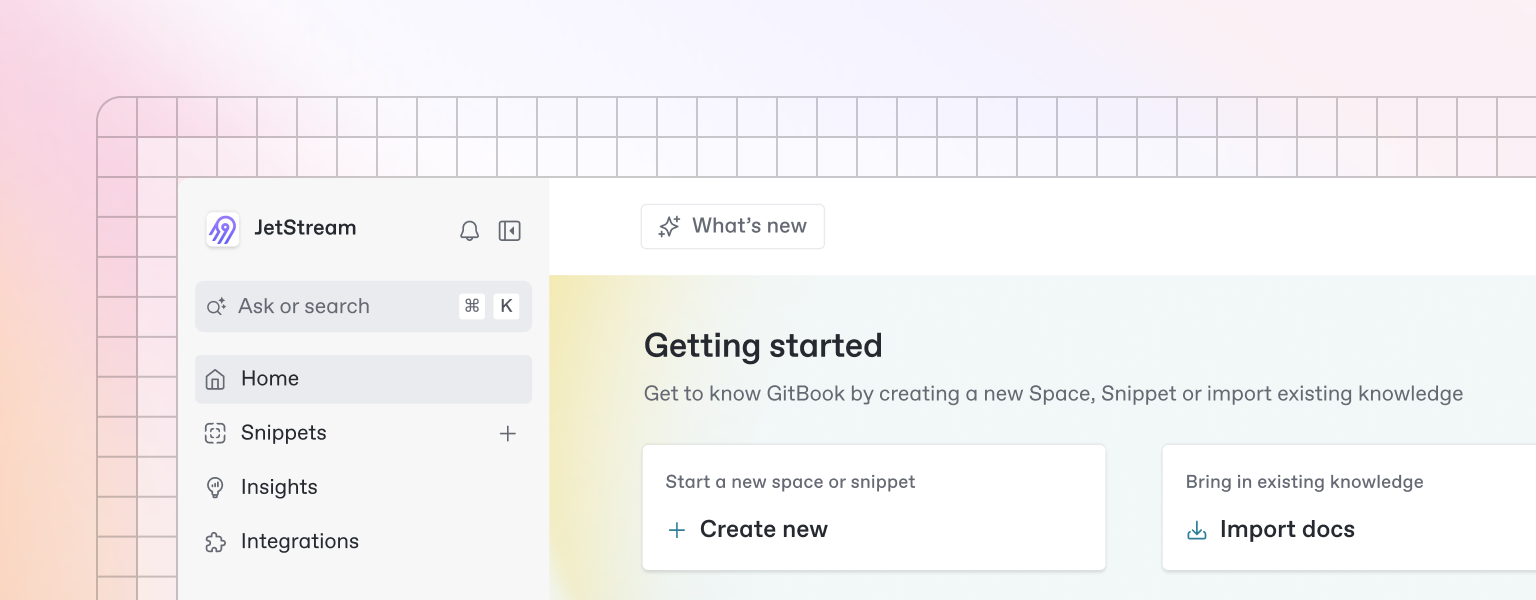
Beautiful documentation starts with the content you create — and GitBook makes it easy to get started with any pre-existing content.
{% hint style="info" %}
Want to learn about writing content from scratch? Head to the [Basics](https://github.com/GitbookIO/onboarding-template/blob/main/getting-started/broken-reference/README.md) section to learn more.
{% endhint %}
### Import
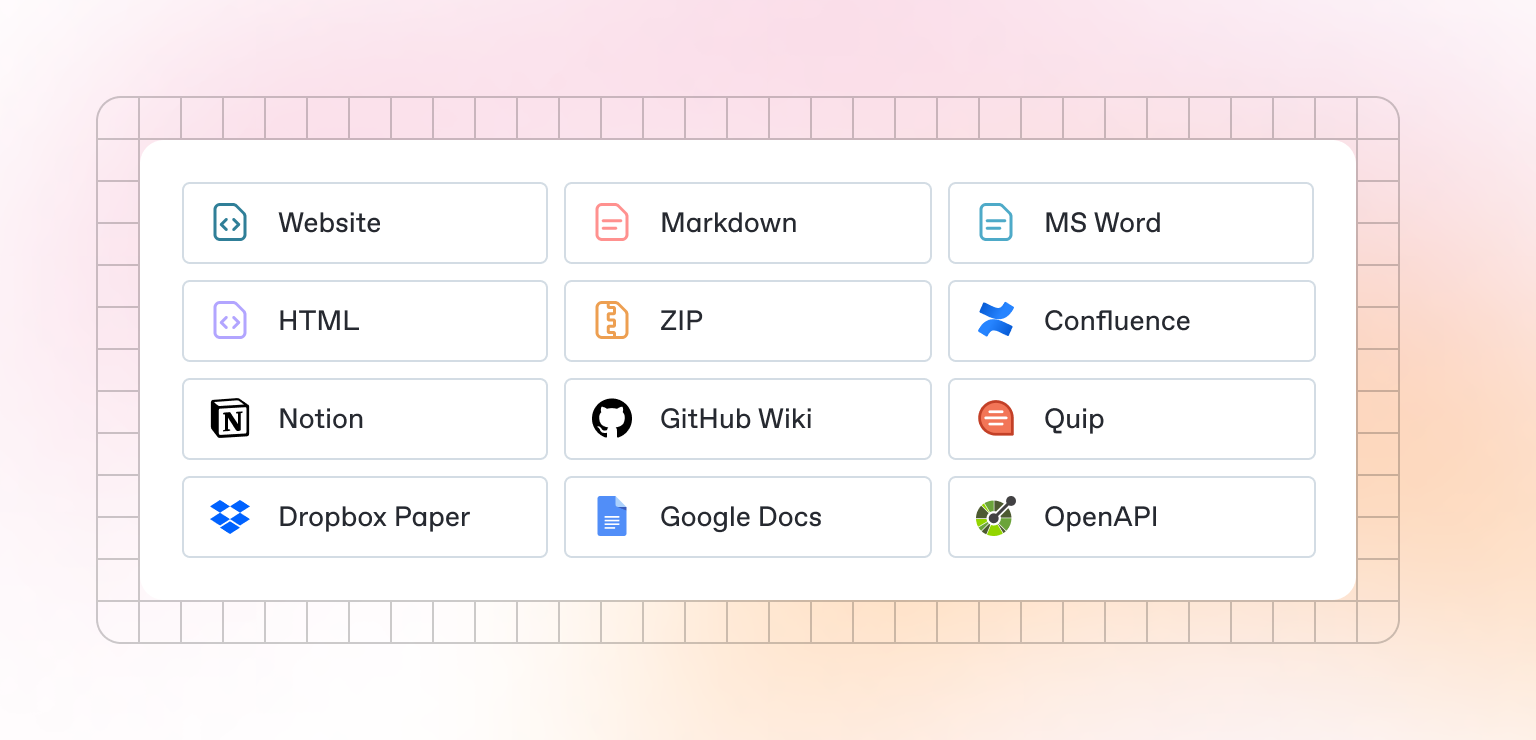
GitBook supports importing content from many popular writing tools and formats. If your content already exists, you can upload a file or group of files to be imported.
### Sync a repository
GitBook also allows you to set up a bi-directional sync with an existing repository on GitHub or GitLab. Setting up Git Sync allows you and your team to write content in GitBook or in code, and never have to worry about your content becoming out of sync.
---
# Agent Instructions: Querying This Documentation
If you need additional information that is not directly available in this page, you can query the documentation dynamically by asking a question.
Perform an HTTP GET request on the current page URL with the `ask` query parameter:
```
GET https://docs.wand.am/quickstart/registration.md?ask=
```
The question should be specific, self-contained, and written in natural language.
The response will contain a direct answer to the question and relevant excerpts and sources from the documentation.
Use this mechanism when the answer is not explicitly present in the current page, you need clarification or additional context, or you want to retrieve related documentation sections.